Changelog

Follow new updates and improvements to ManyRequests.

Time Entry Approvals
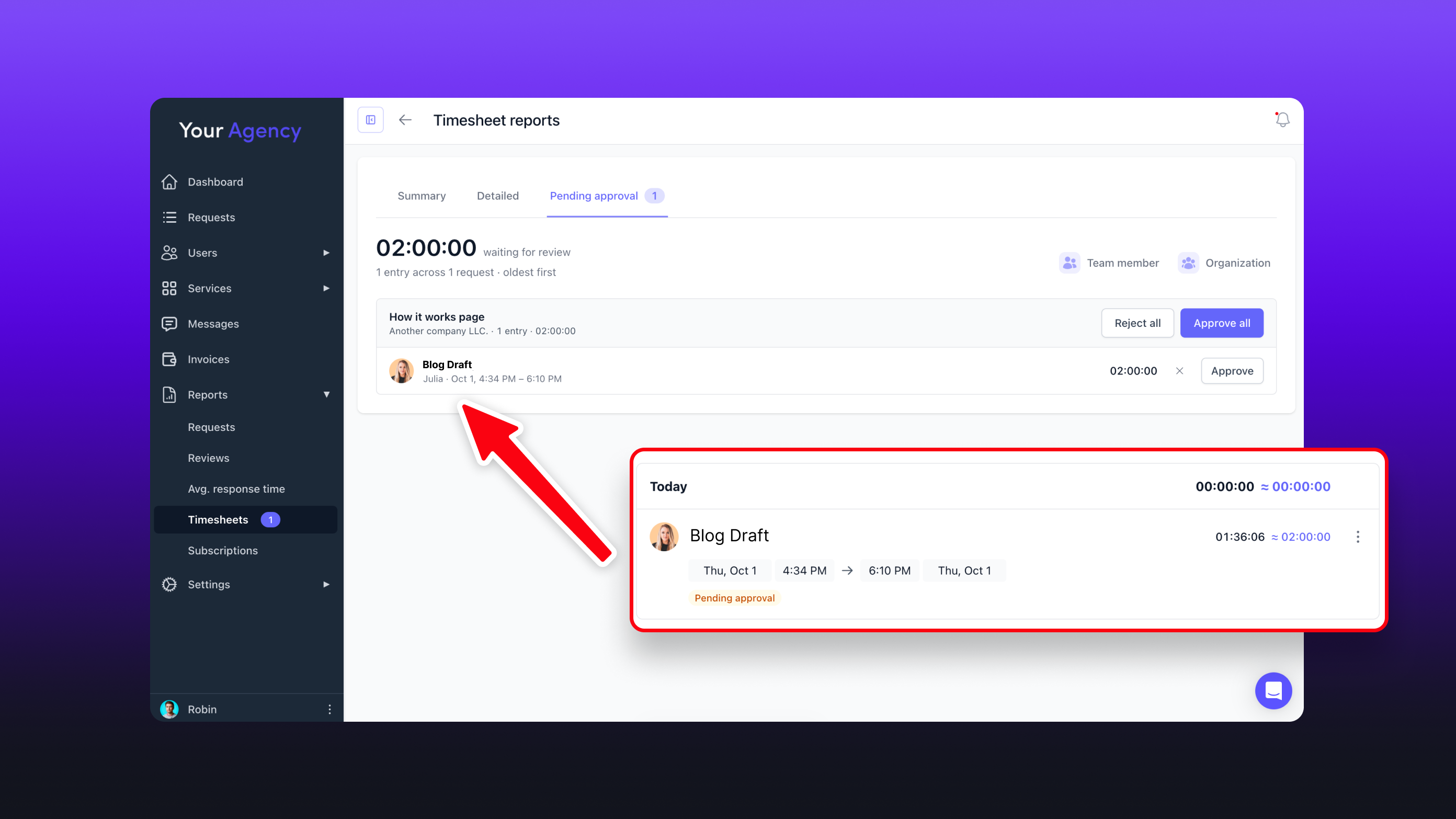
Team time entries can now require approval before they count toward tracked time.

When enabled, new time entries stay pending until approved. Pending or rejected entries won't count toward totals, reports, exports, or client balances.

Admins and portal admins can approve time by default, and approval permissions can be given to other team roles. Approvals can be managed directly from a request's Timesheet tab or in bulk under Reports → Timesheet reports → Pending approval.

Enable it under Settings → Modules and extensions → Requests → General → Require approval for team time.

Time synced from Hubstaff follows the same approval rules.
New

Hubstaff Integration

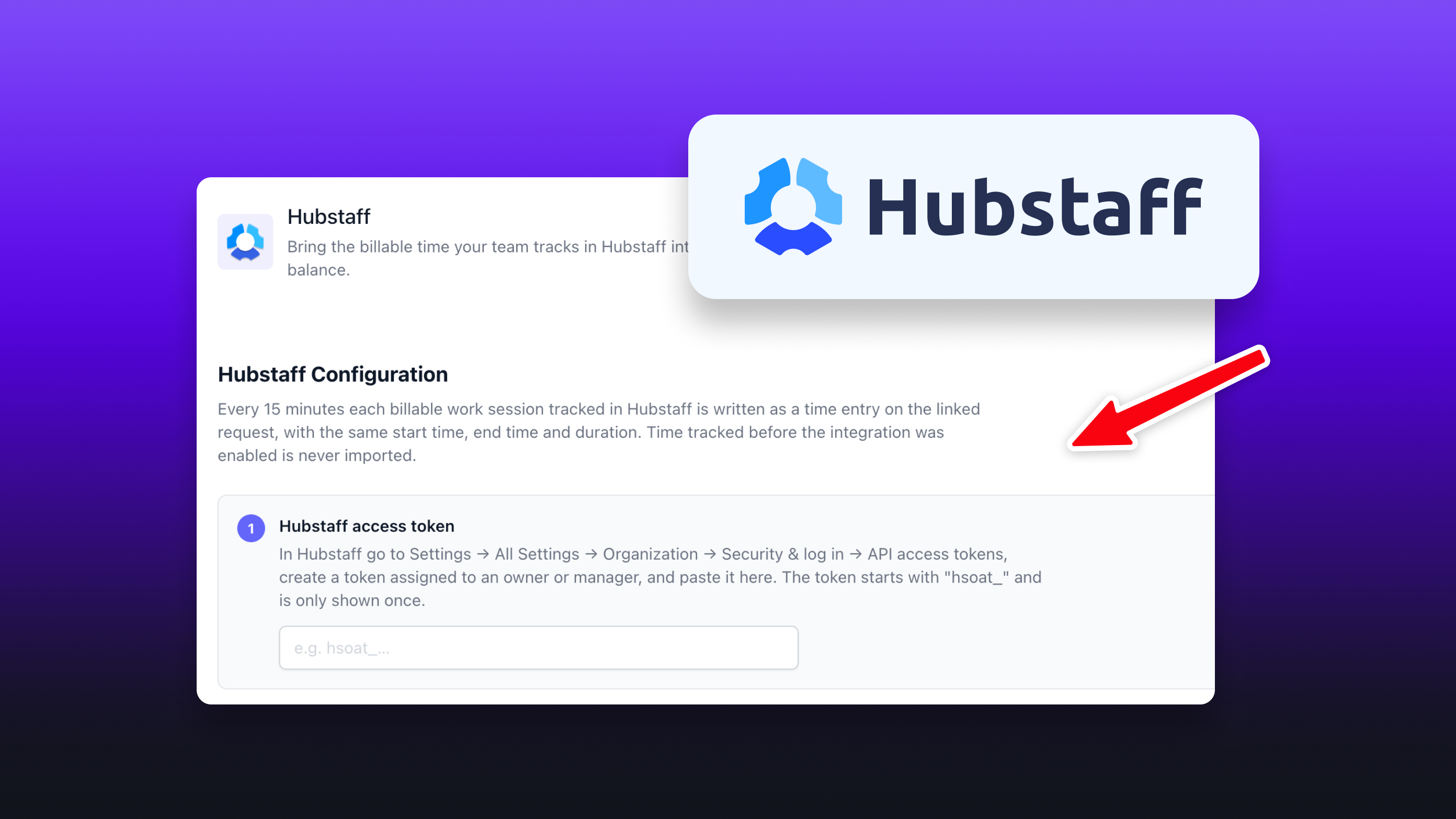
Track time in Hubstaff and automatically sync it to ManyRequests.

Connect Hubstaff from Settings → Integrations → Hubstaff, then link your Hubstaff clients and projects to the corresponding organizations and requests in ManyRequests.

You can also choose to sync only approved Hubstaff timesheets or trigger a sync manually whenever needed.

New

ManyRequests MCP Server

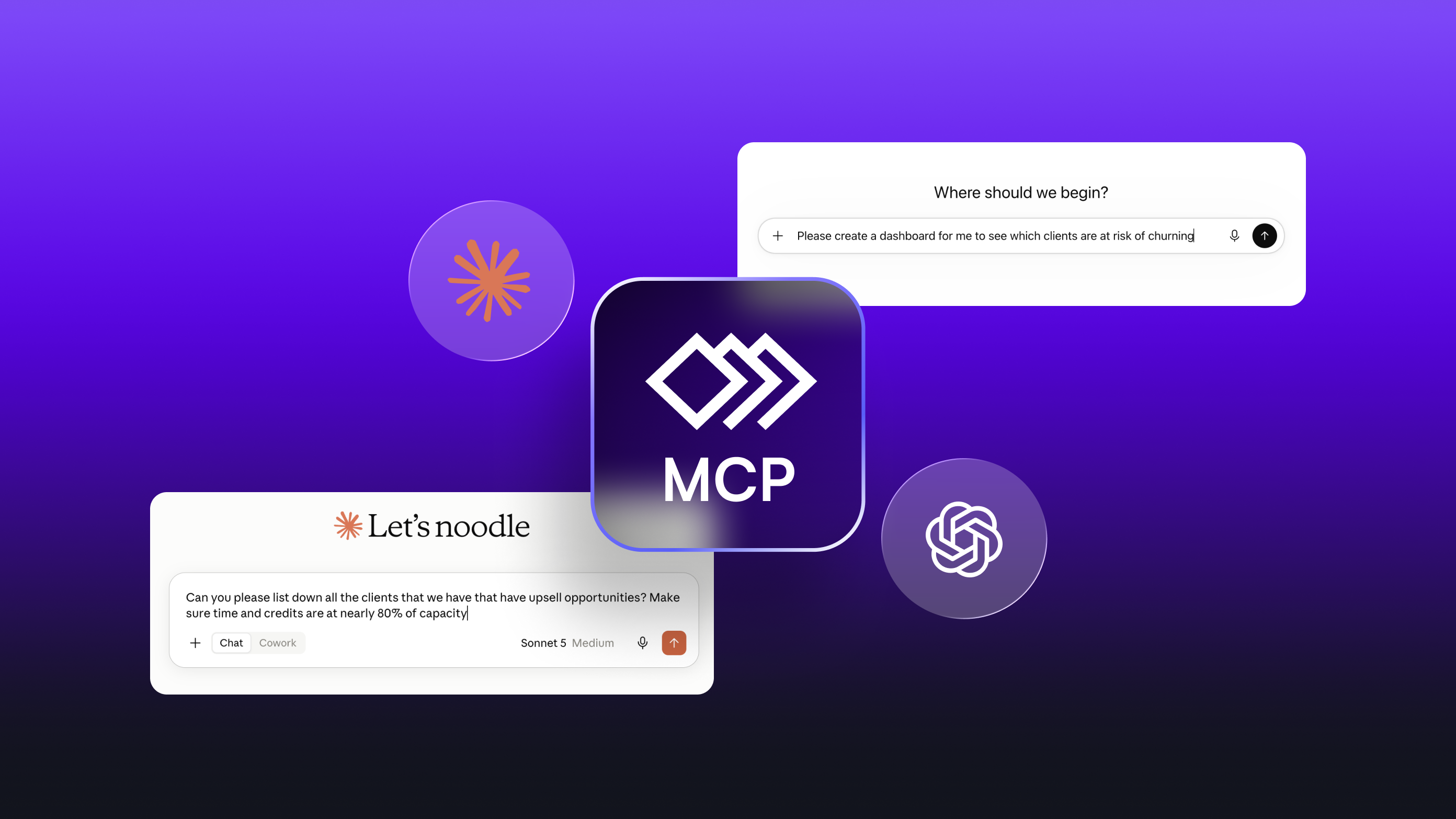
You can now connect ManyRequests to supported AI clients using our new MCP server.

Once connected, your AI can access and take actions in your ManyRequests workspace using natural language prompts.

The MCP currently supports:

  • Finding, creating, and updating requests

  • Reading request details, comments, activity, and tracked hours

  • Adding request comments

  • Finding and managing clients and organizations

  • Finding services and managing subscriptions

  • Checking client balances and subscriptions

  • Finding, creating, sending, and managing invoices

  • Searching workspace activity

  • Accessing workspace statuses, tags, and team members

This lets you use AI to complete common ManyRequests tasks without navigating through each section of the portal manually.

New

Earlier updates