Your portal is now an app, with iPhone push notifications
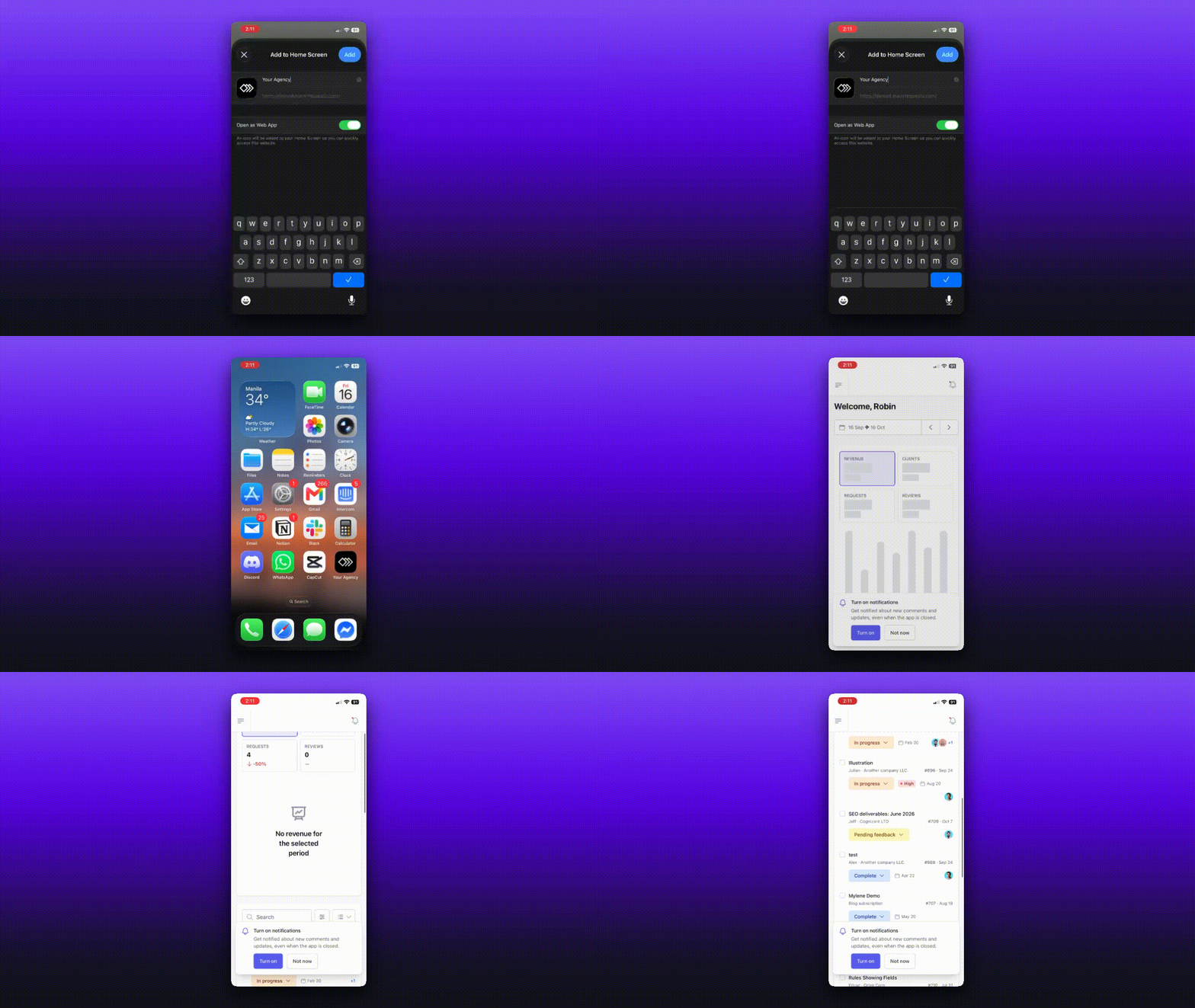
Your portal can now be installed as its own app, with your agency's branding. Clients and team members can add it to their Home Screen on iPhone and Android, or install it on a computer from Chrome, Edge or Safari. There's nothing to download from an app store and nothing to turn on.
Your name and icon
The app uses your portal name, and an icon made from your favicon (or your light background logo), both set in Settings → Portal. If neither is set, it uses the ManyRequests icon. Your custom domain and subdomain install as separate apps, so share the address your clients actually use.
Push notifications on iPhone
Push notifications now reach iPhones in the installed app (iOS 16.4 or later).
People turn them on from the "Turn on notifications" banner, which only shows inside the installed app on iPhone.
Push can be switched on or off per device in Settings → Profile and account → Notification preferences, under This device.
Android and desktop users who already had push keep it without doing anything.
Built for phones and tablets
Every page has been adapted for smaller screens, from requests and the proofer (now with touch gestures) to messages, invoices, checkout, order forms, reports and settings.